In your editor or the cloud.
Same plan.
Connect Claude Code, Cursor, or Codex over hosted MCP, or queue a task and a cloud agent comes back with a pull request. Every path reads and writes the same scope.
 hosted mcp · read / write
Compatible with
+ more
Clean specs your agent can actually execute.
Hand off is a step in the loop, not the end of it. Export structured JSON or Markdown, connect MCP for a live link to Cursor and Claude Code, or use Send to Agent on a single task. Your workspace stays the system of record while the build runs.
Atomic = sized for one agent session, with explicit acceptance criteria. Roughly 30 minutes to 2 hours of work.
{
  "project": "Stripe billing for SaaS",
  "agent_target": "claude_code",
  "tech_stack": ["Next.js", "Prisma", "Postgres"],
  "modules": [
    {
      "name": "Billing core",
      "features": [
        {
          "name": "Subscription lifecycle",
          "tasks": [
            {
              "id": "task_01",
              "title": "Create subscription on checkout success",
              "description": "Listen for checkout.session.completed webhook, upsert subscription row, attach customer.",
              "acceptance_criteria": [
                "Webhook signature verified",
                "Idempotent on retry",
                "Subscription row created with status=active"
              ],
              "complexity": "M",
              "depends_on": []
            }
          ]
        }
      ]
    }
  ]
}
Three ways to put your AI on the plan.
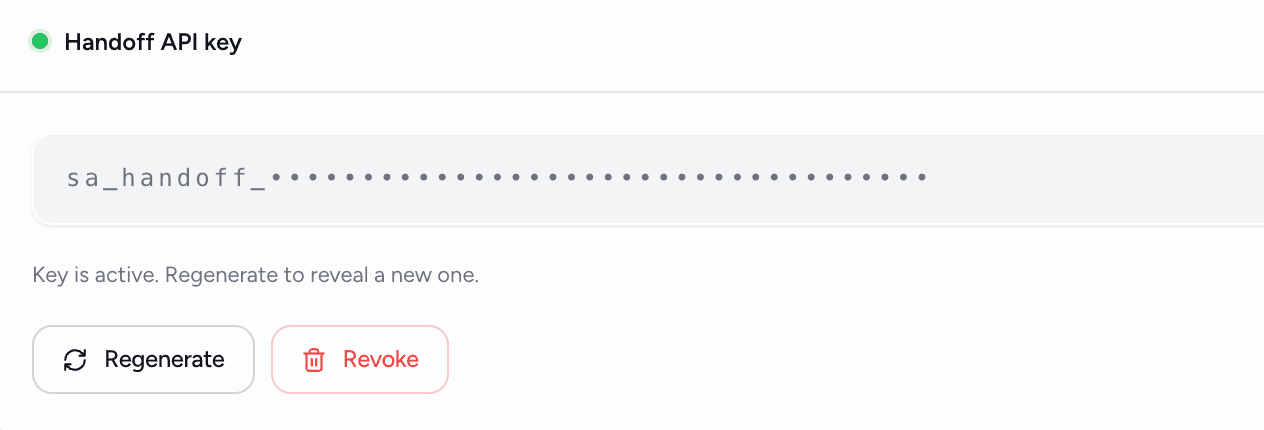
A hosted MCP server: nothing to install, no version to pin. Clients with OAuth press Connect; Claude Code CLI and Codex take a snippet with your key already filled in. Prefer to paste? One-click prompts carry a task with its context. Not on MCP at all? Export the plan as JSON or Markdown. Every path keeps the scope as the system of record.
- OAuth Connect or a Bearer snippet
- Claude Code, Cursor, VS Code, Windsurf, Codex, Gemini CLI
- Session playbook on every connect
- One-click task prompts
- JSON and Markdown export
- Skills via npx skills add
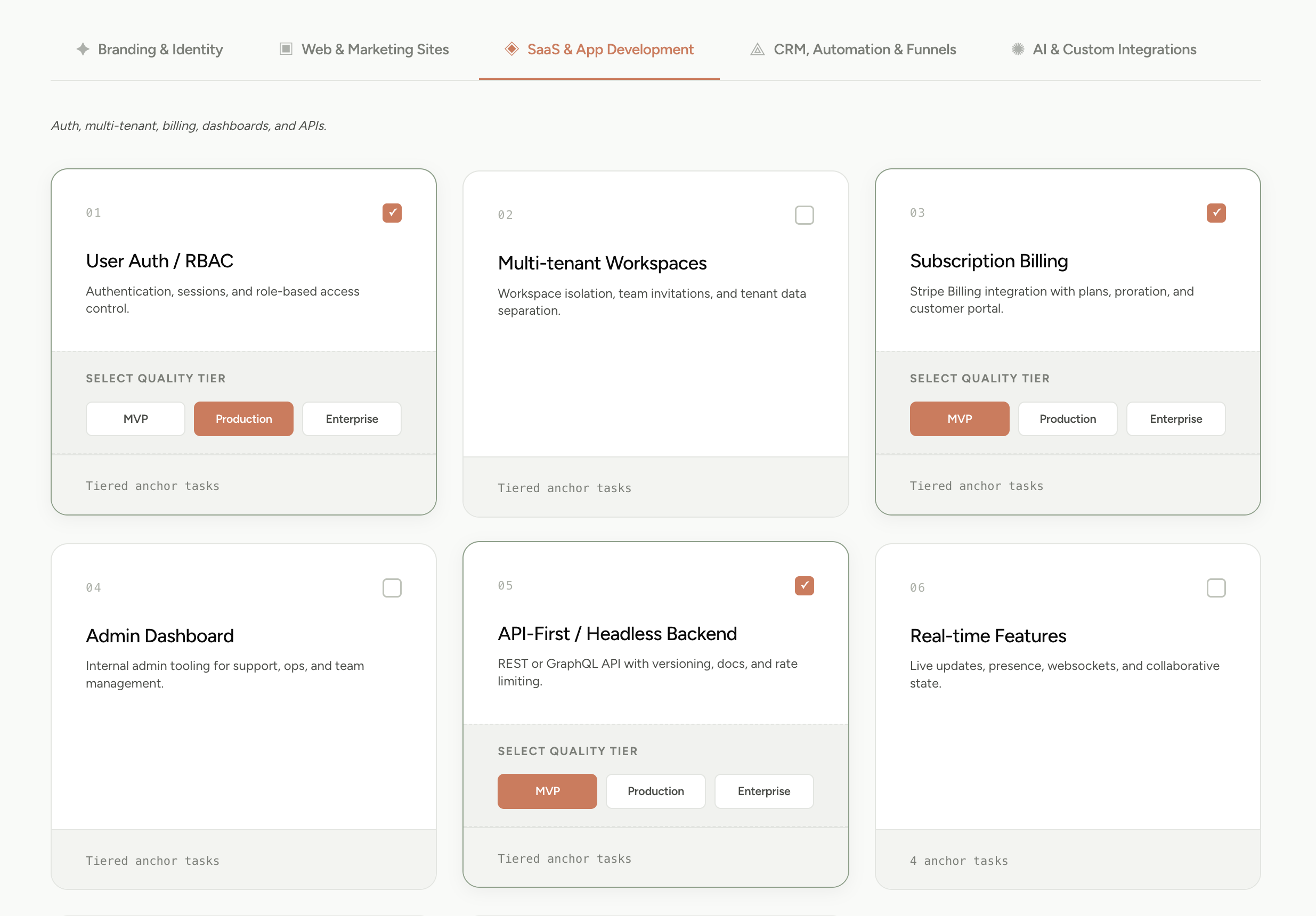
01.Scope with AI
Drop in a one-liner or raw notes. The recursive engine maps it to modules, features, and atomic tasks.
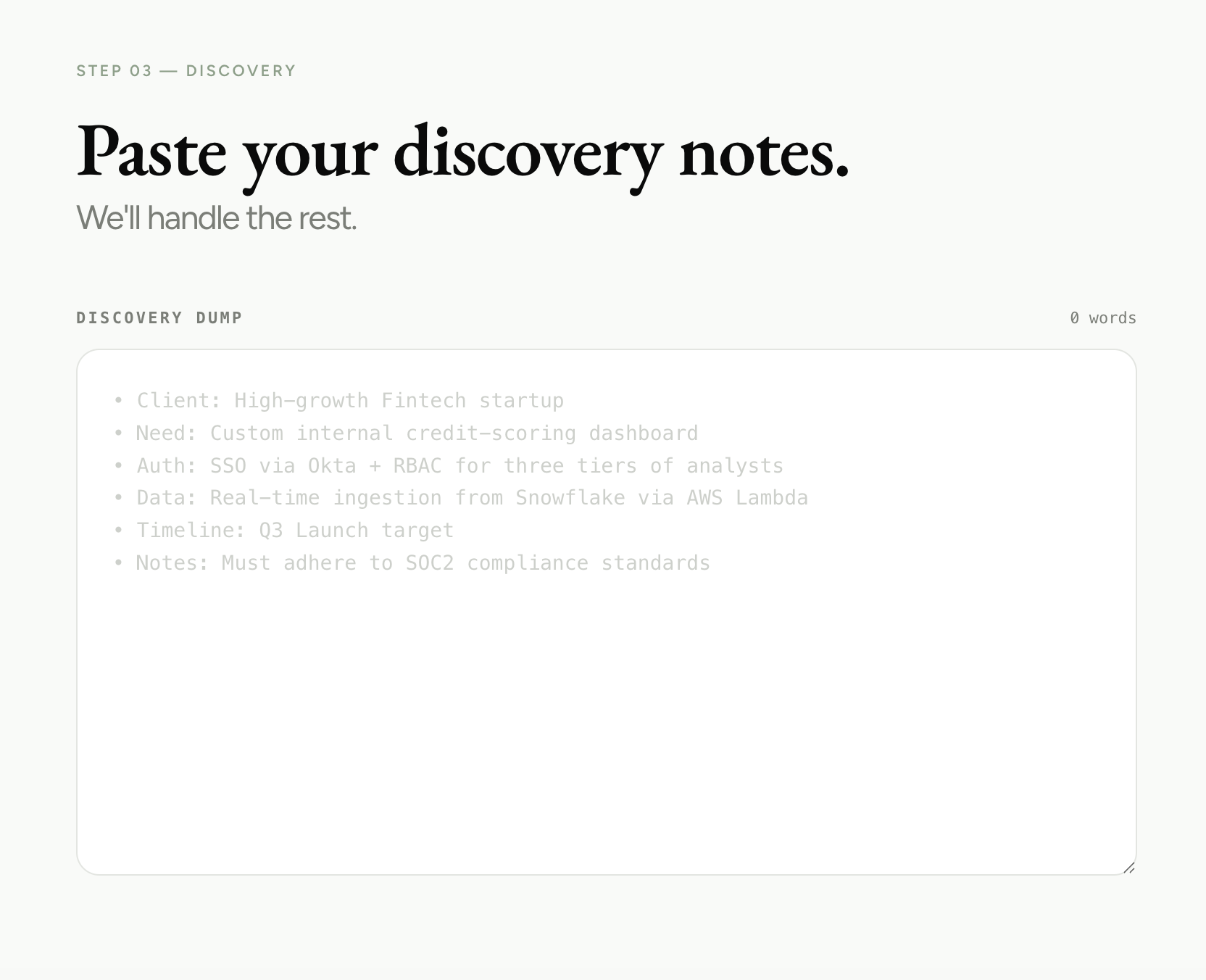
02.Refine with your team
Sharpen the plan together, edit inline, comment on tasks, and flag risks before anything hits your IDE.
03.Hand off via MCP
Connect once. Your agent reads the live plan directly. No copy-paste.
04.Watch it build. Step in when it matters.
Track every status. When your agent has a question, it asks on the task and you answer, right in the workspace.
Dispatch a task. Come back to a PR.
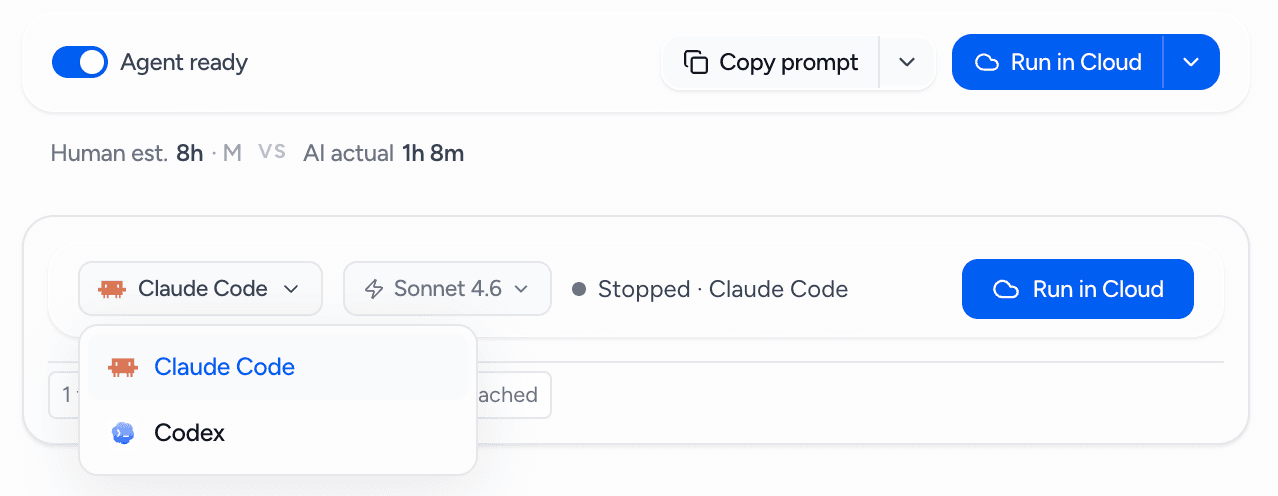
Connect GitHub, pick a task, and a cloud agent receives the full context: your plan, stack, prior decisions, and acceptance criteria. It builds inside a fresh, isolated VM, streams its log live, commits the work, and opens a pull request. Your project's workspace persists on a saved disk between runs, so the next one resumes instantly. Bring your Claude subscription or your own API key.
- GitHub App per team
- Fresh VM per run, persistent disk
- Live streaming logs
- Connect your Claude subscription, or BYOK
- Claude Code and Grok Build today
- PR and preview link back on the task
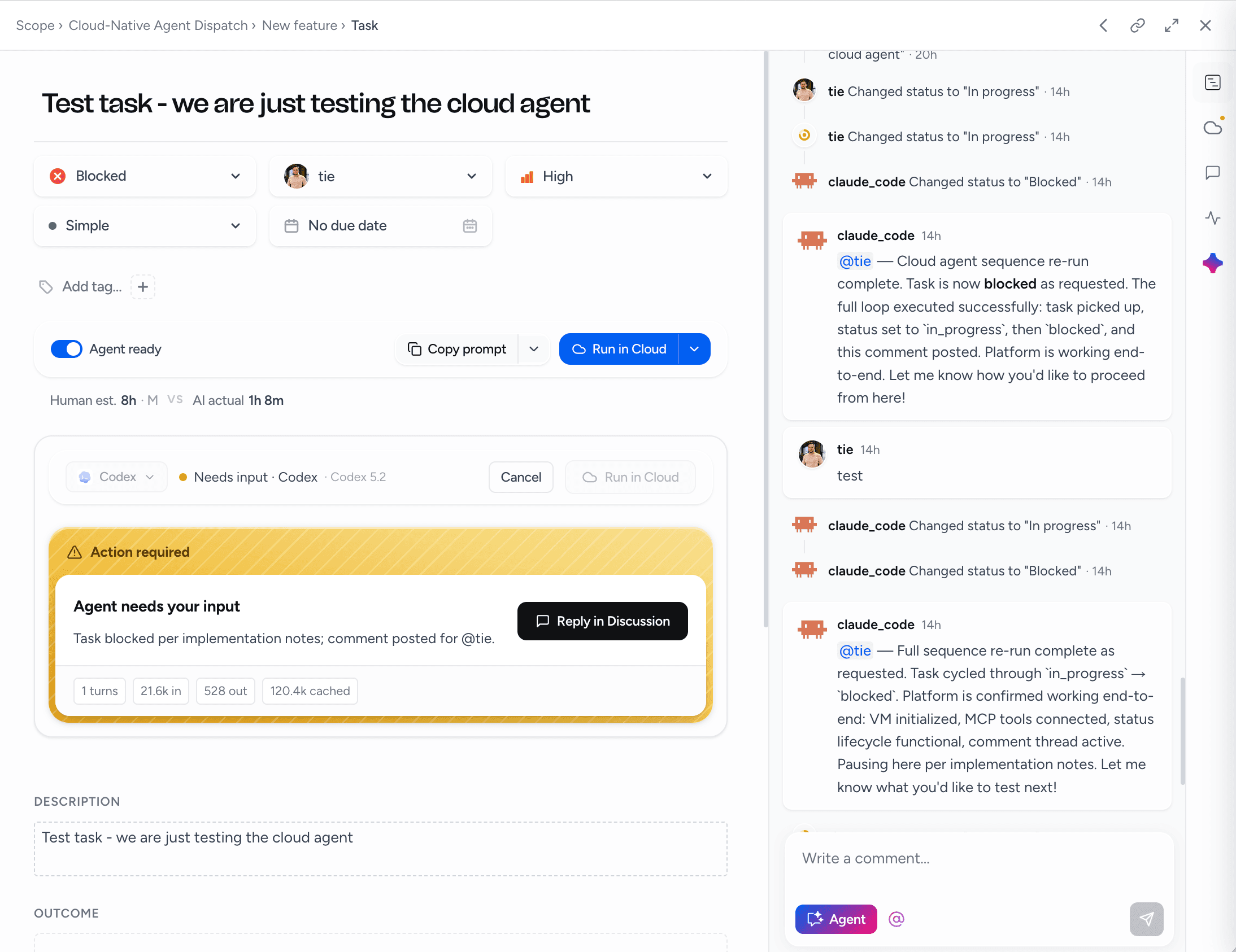
Leave it running. It stops on its own.
Queue a whole module and the tasks run one after another in dependency order. Set a budget in tasks, dollars, or minutes and the queue stops when it's hit. Gate each task on your approval, or let it run until a cap. A failed run pauses the queue instead of burning the rest of the budget. In your editor, the Autopilot skill runs the same loop with the scope as the only state.
- Sequential queue, dependency order
- Caps: tasks, USD, minutes
- Gate: keep going or approve each task
- Pause on failure
- Run a whole module
- Autopilot skill for Claude Code, Cursor, Codex
AI builds the code. Nothing's built for the human steering it.
You pasted code in and out of ChatGPT and lost the thread every refresh.
Cursor, Claude Code, and Codex moved the agent into your IDE.
The rise of autonomous IDE agents.
Tools can now execute complex codebase changes independently, but they lack a durable layer of intent. You are left chasing a fast-moving black box across ephemeral chat windows.
The layer that was missing.
A home for the plan, the context, and the progress. Your agent reads it directly and updates it as it builds. Same agent you use today, except now it knows the whole project, with a shared command center that keeps you in control.
The rest of the execution surface.
Run plans from chat
Ask Architect Chat to run the module and it proposes a plan with a budget. Approve to launch.
Public MCP tools
Model catalog and cost guidance available without an account, for any agent that asks.
Agent identity
Every status change and comment is attributed to the agent that made it, so the team can tell who did what.
Team and project keys
A team key for everything, or a project-scoped key for one plan. Hashed at rest, shown once.
Handoff REST API
The same operations over plain HTTPS for CI, scripts, and agents that don't speak MCP.
Extra run slots
One concurrent run on Builder, one per seat on Team, more for $19 a month each.