How to fix bugs with an AI agent without it breaking something else
The agent fixes the bug and quietly breaks two other things. That isn't a model problem. It's a task problem. The shape of a bug task an agent can finish cleanly, and the loop that catches it when it can't.
 3 min read
You paste a bug into the agent. It reads some code, changes some code, and says "Fixed." It is, technically. The date picker on a different page has also stopped working, and there's a new console warning you'll find on Thursday.
Anyone who has used a coding agent on real work has this story. The usual response is to blame the model and reach for a bigger one, which gets you a more confident version of the same result.
The model isn't the main problem. The task is.
A bad bug task
"The export button doesn't work on the reports page. Fix it."
That is a report, not a task. To act on it the agent has to guess what "doesn't work" means, how to reproduce it, what counts as fixed, what it's allowed to touch, and whether the export code is used anywhere else. It will guess, and it will guess silently. The silent guess is what breaks the other page.
A good one
The same bug, written so an agent can finish it:
Export button on /reports does nothing when the date range is empty.
Reproduce: open /reports, clear both date fields, click Export. Expected: a CSV of all rows. Actual: nothing happens, no error.
Acceptance criteria:
- Export with an empty date range downloads a CSV containing every row
- Export with a date range still filters correctly
ReportsExportis also used on /admin/reports; both pages still export- A test covers the empty-range case
Don't touch the date picker. It's shared and has its own task.
There is a reproduction. "Fixed" has a definition. The criteria include what must not change. The blast radius is named, because the component lives in two places. And the fence is explicit.
None of this requires knowing the fix. It requires knowing the bug, which you already do.
Where the criteria come from
Writing that by hand for every bug is a tax nobody pays consistently, so the useful part is getting the shape without the typing.
In Scope Architect a bug goes in as a task like any other. With the repo imported, the task is written against the real code, so it can say ReportsExport and where it lives rather than "the export component." Paste the report into Architect Chat and it asks the one or two questions that turn a report into a task, then proposes the task for you to apply.
The agent reads that before it writes a line. Not a paragraph you typed at eleven at night.
When the criteria miss something
A good task still runs into surprises. The agent discovers the empty-range case is handled by a server default that returns nothing, and changing it would affect a scheduled job. That is a decision it shouldn't make alone.
The wrong move is to guess. The right move is to stop and ask.
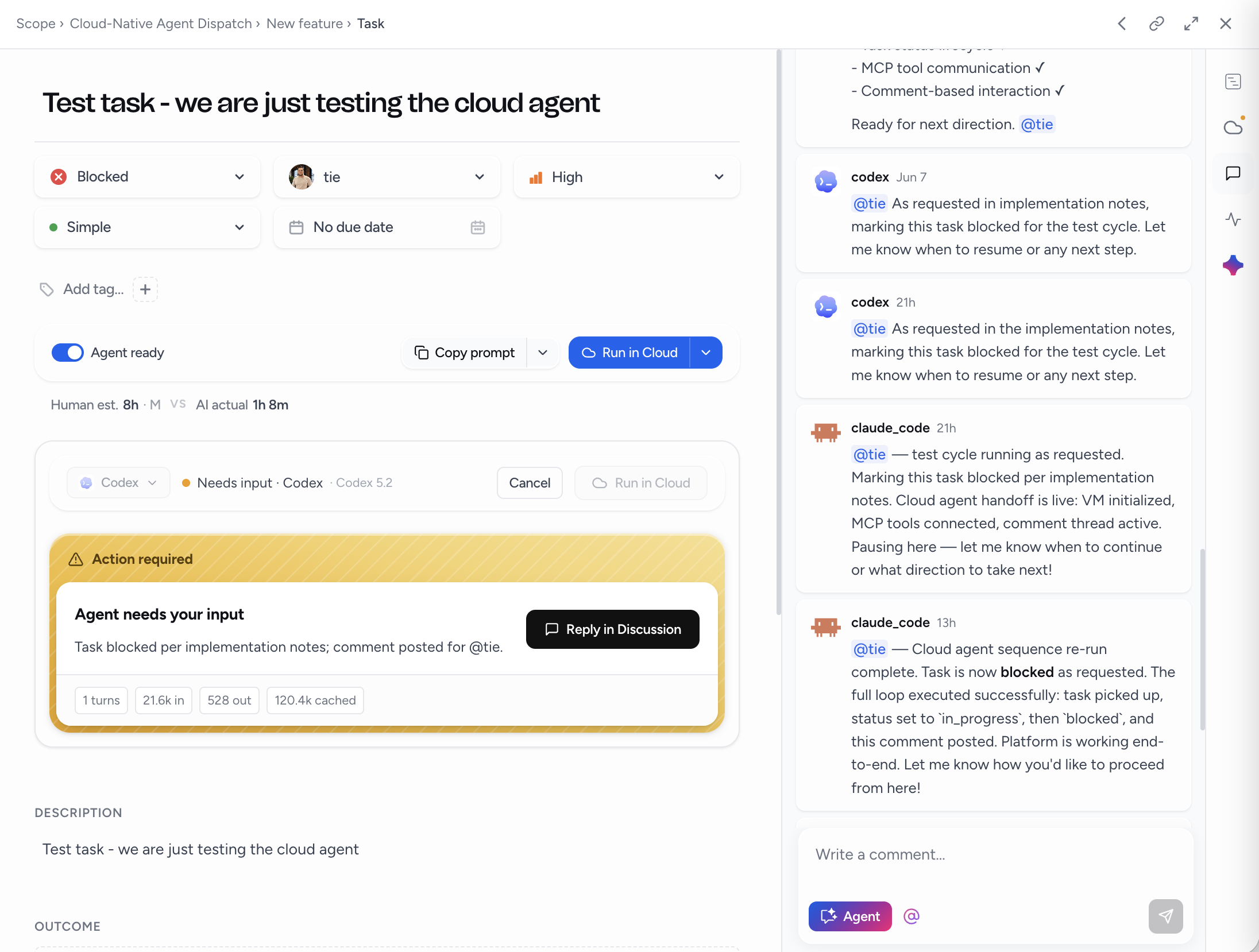
An agent connected to the plan flags the task, leaves the question on it, and pauses. The question shows up where the task lives rather than somewhere in a transcript. You answer from your desk or your phone, and the agent continues with the answer in hand. In the cloud, it resumes in the same VM.
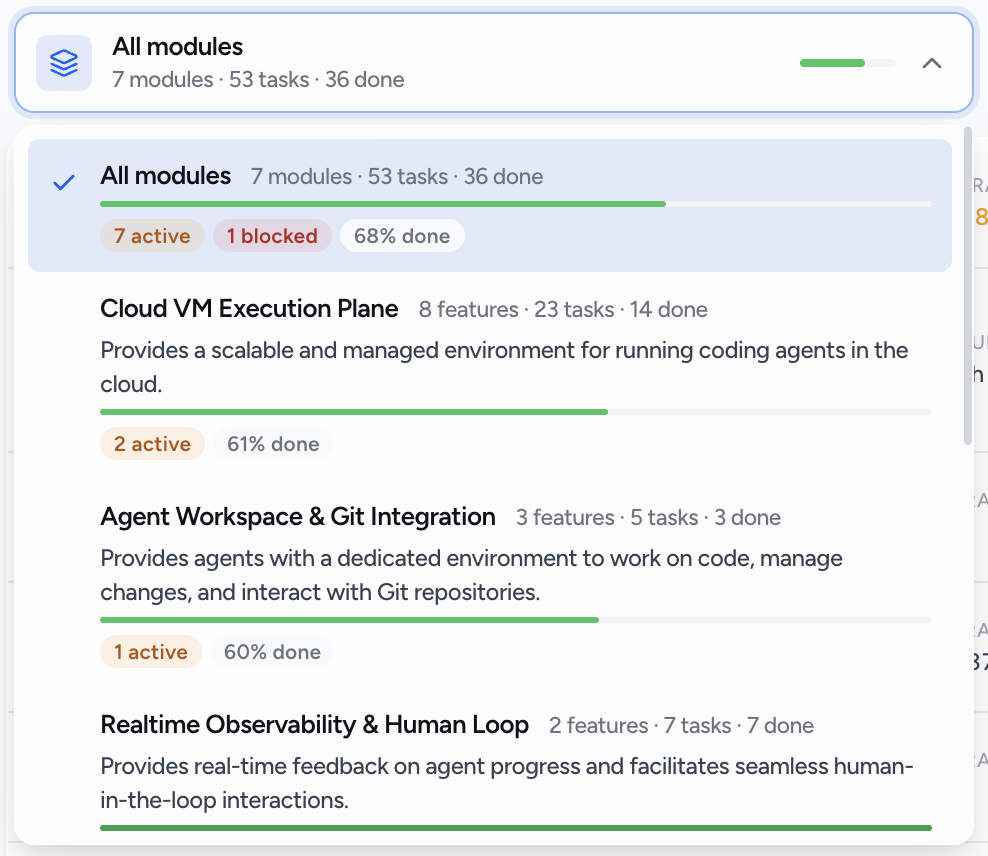
You decide what a blocked task does in the meantime: wait for the answer, or let the agent move to the next ready task and come back. Either way, nothing is guessed.
Proof, not "Fixed"
A bug task is done when its criteria are checked, the test exists, and the change is in a pull request you can read. The agent ticks criteria as it verifies them. The PR is the artifact. A sentence in a chat window is not.
Run the task in the cloud and this is automatic: fresh VM, the task and its criteria in hand, a pull request back. Run it in your editor and the agent still writes status and criteria to the plan as it goes, so the board shows what happened rather than the agent's summary of what happened.
Once the task is right, the model matters less than you'd think. The task is the part you control.